A friendly green frog in a dark studio, its left half rendered smoothly and its right half rebuilt from detailed Minecraft blocks, centered and softly lit.

3d to litematic builds in seconds

Bring a 3D idea into your Minecraft workflow.

Have a 3D model ready?
OBJ · GLB · images
DON'T HAVE A 3D MODEL?

Begin with an idea for a Minecraft build.

OR TRY AN EXAMPLE
Your prompt continues on the creation platform.

IN GAME

See it in action

Model workflowBrowser workflow
A green frog model beside its large Minecraft-block recreation, with a yellow arrow between them.

Need a place to begin? Explore the Minecraft workflow

MODEL IDEAS · BLOCK BUILDS

Start creating

START TO FINISH

How it works

With a modelIn the browser
1

Choose your starting point

Bring a 3D model, an image, or a written idea. The creation workflow opens on the next page.

2

Import a model into your workflow

Start with the shape you want to bring into Minecraft, then explore the available conversion options.

3

Plan the build’s placement and size

Consider its scale and orientation before taking the design into your world.

4

Refine the blocks and details

Review how the model’s forms and colors translate into a block-based build.

5

Bring the design into Minecraft

Use the resulting build as a starting point for your next project.

BY THE NUMBERS

Made for builders

3D models ↗

START FROM A SHAPE

Block builds ↗

IMAGINE THE RESULT

Your world NEXT

MAKE THE IDEA YOUR OWN

WHAT’S IN THE BOX

Feature highlights

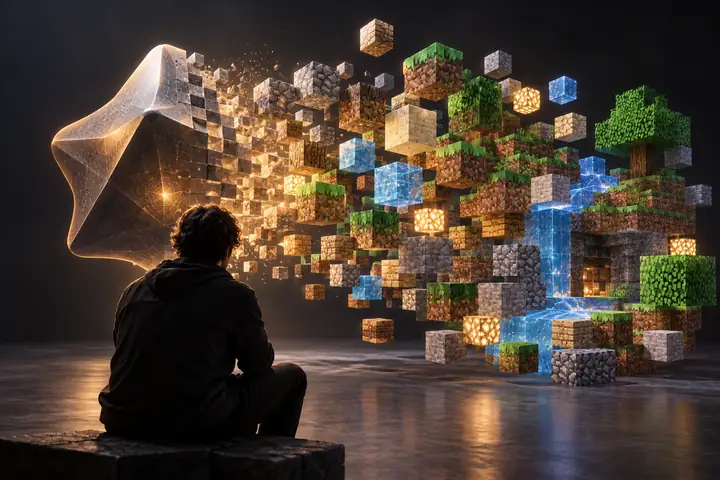
A 3D shape transforming into a cluster of colorful Minecraft blocks across a charcoal studio backdrop.

From idea to build

Give a model a new life as a block-based Minecraft concept.

Model settings

Scale 32

Detail High

Color matching

Block palette

Available blocks

A build you can shape

Think through scale, detail, and materials before you build.
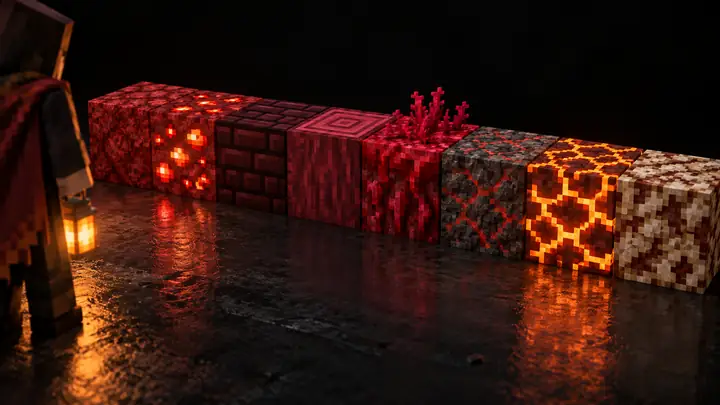
A tidy row of richly textured red and earthy Minecraft blocks on a nearly black background.

Pick your palette

The choice of blocks gives every design its own character.
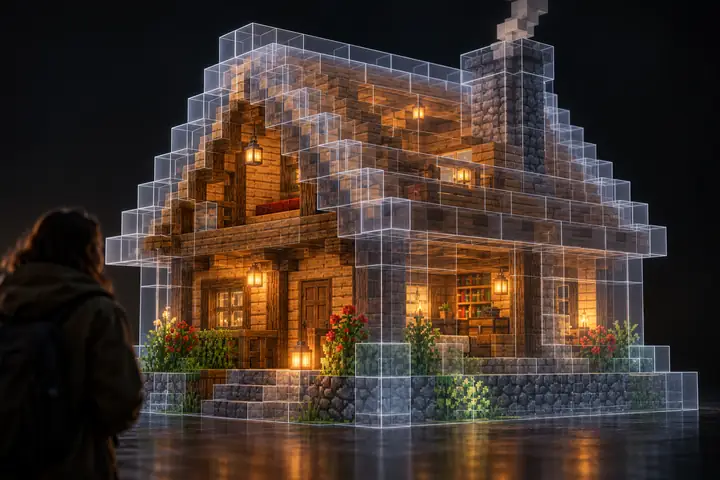
A translucent Minecraft-block outline of a small cottage, revealing wooden walls within, against a dark backdrop.

Preview the shape

See how a complex form might read when expressed in blocks.
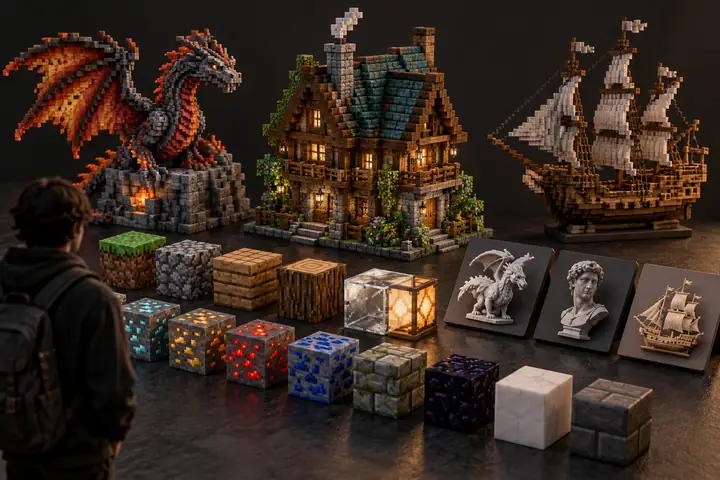
A small arrangement of distinct Minecraft building materials and model-file tiles on a charcoal background.

Many ways to begin

A 3D model, an image, or a description can inspire your next build.
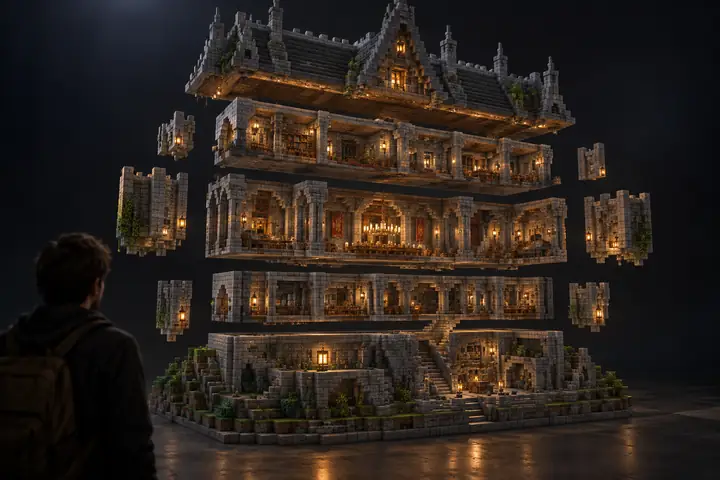
A Minecraft stone building separated into several neatly stacked horizontal layers, viewed in a dark studio.

Think layer by layer

Break an ambitious structure into manageable building stages.

Big ideas welcome

Start with a tiny ornament or imagine a world-scale centerpiece.

Your creative direction

Choose the subject and decide how the final build should feel.

A familiar look

Keep the visual language of Minecraft at the center of the design.

Made to explore

Try different subjects to discover what works beautifully in blocks.

Shape the silhouette

Strong outlines help a build stand out from a distance.

Save the idea

Take your inspiration forward to the creation workflow.

AI GENERATION

Create from images/text

Start with a picture or describe what you want to make.

Text promptImage prompt
Describe a build you want to see…
Your idea starts here
Try it yourself
Feature
3D model
Prompt
Starting point
Your file
Your idea
Visual reference
3D shape
Words or image
Minecraft inspiration
✓
✓
Color direction
✓
✓
Block-based thinking
✓
✓
Your creative input
Model
Description
Best for
Existing designs
New concepts
Next step
Explore
Explore

✧ MORE POSSIBILITIES

The whole toolbox, unlocked.

Explore more ways to plan the colors, shapes, and details of a Minecraft build.
Explore the tool
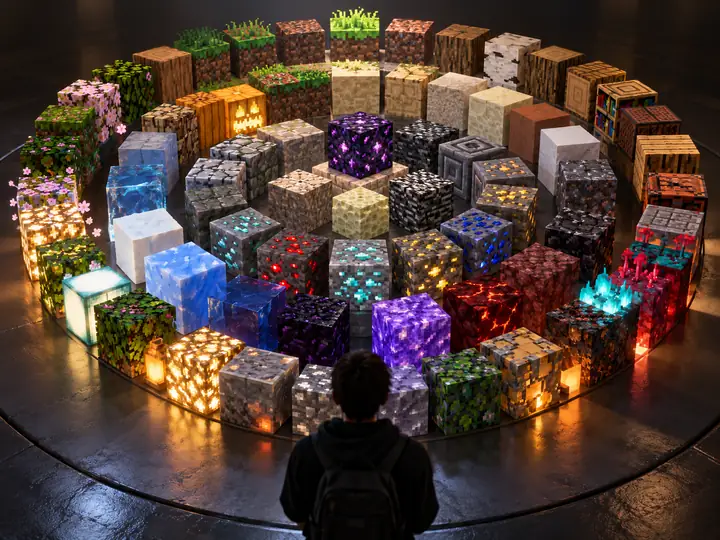
A circular arrangement of colorful, highly detailed Minecraft block textures on a dark studio background.

Resource textures

Texture choices can change how closely a build captures its source.
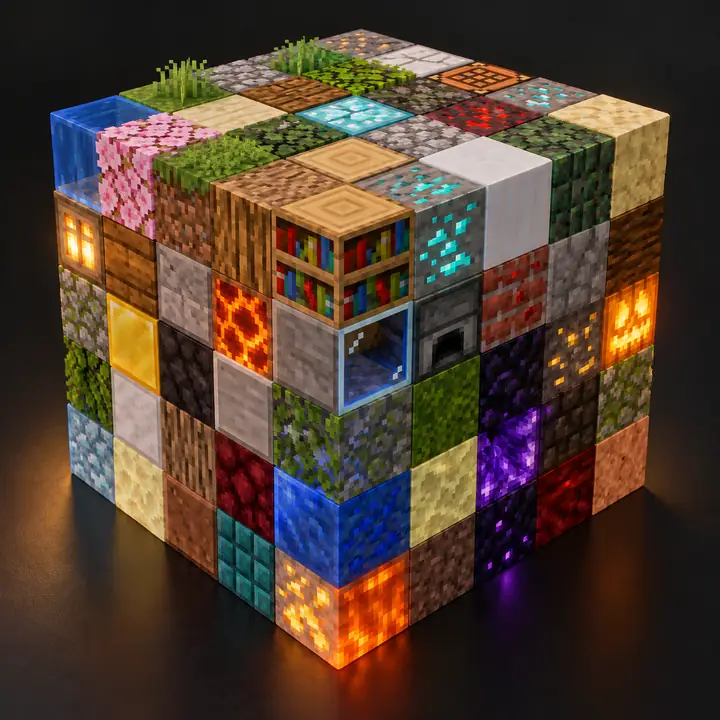
A neat cube made from varied, vividly colored Minecraft blocks, isolated against charcoal.

Different block styles

Consider materials beyond an ordinary stone-and-wood palette.

local palette = {
  "stone",
  "oak_planks",
  "terracotta"
}
-- imagine your build

Creative control

A great build starts with choices about detail and materials.
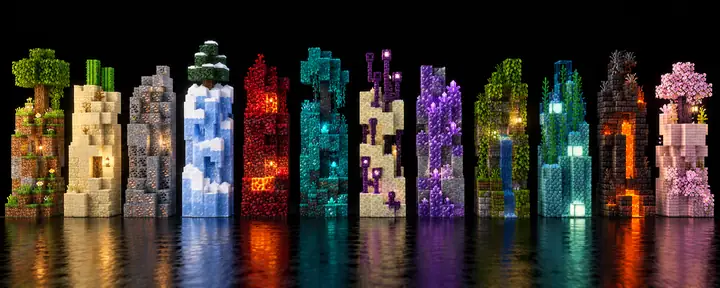
A horizontal lineup of small Minecraft block towers in many colors and textures against black.

Build for your world

Think about the materials available in the Minecraft world you use.
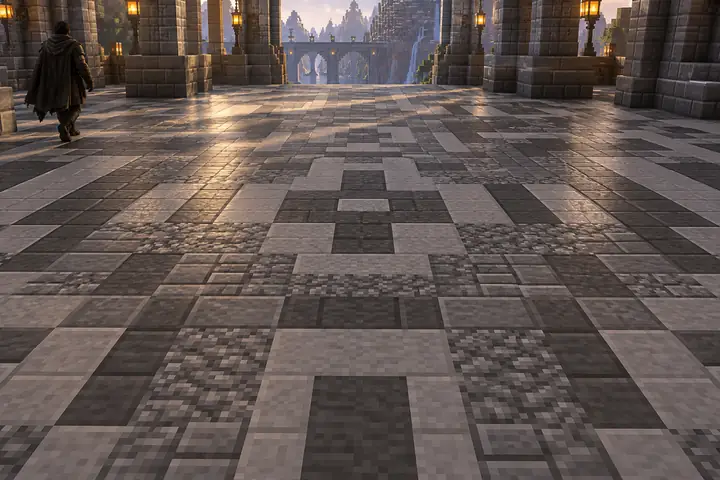
A close view of a carefully patterned floor assembled from gray Minecraft stone blocks.

Color and detail

Small changes in blocks can make a big difference to the result.
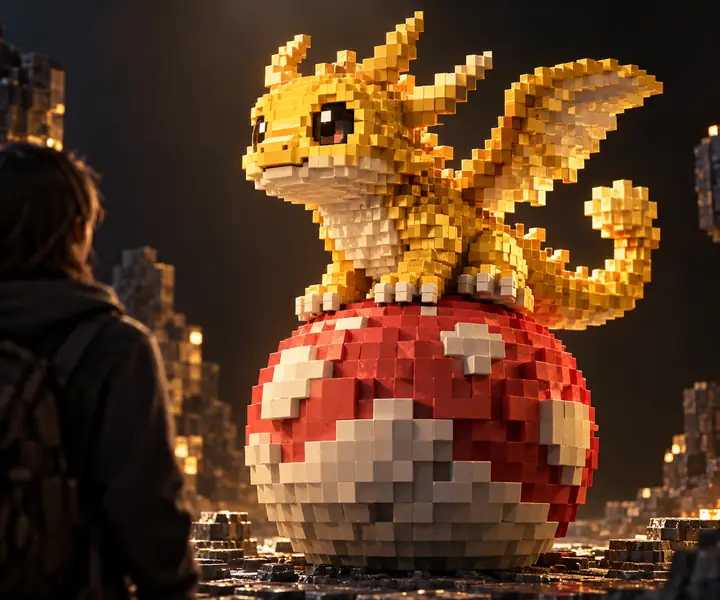
A whimsical golden voxel creature perched on a red and white block sphere against a dark studio backdrop.

Take the idea further

Let one model inspire a whole collection of Minecraft creations.

PICK YOUR PATH

Still scrolling? Get started.

browser workflow
Minecraft inspiration
Start creating
Start creating